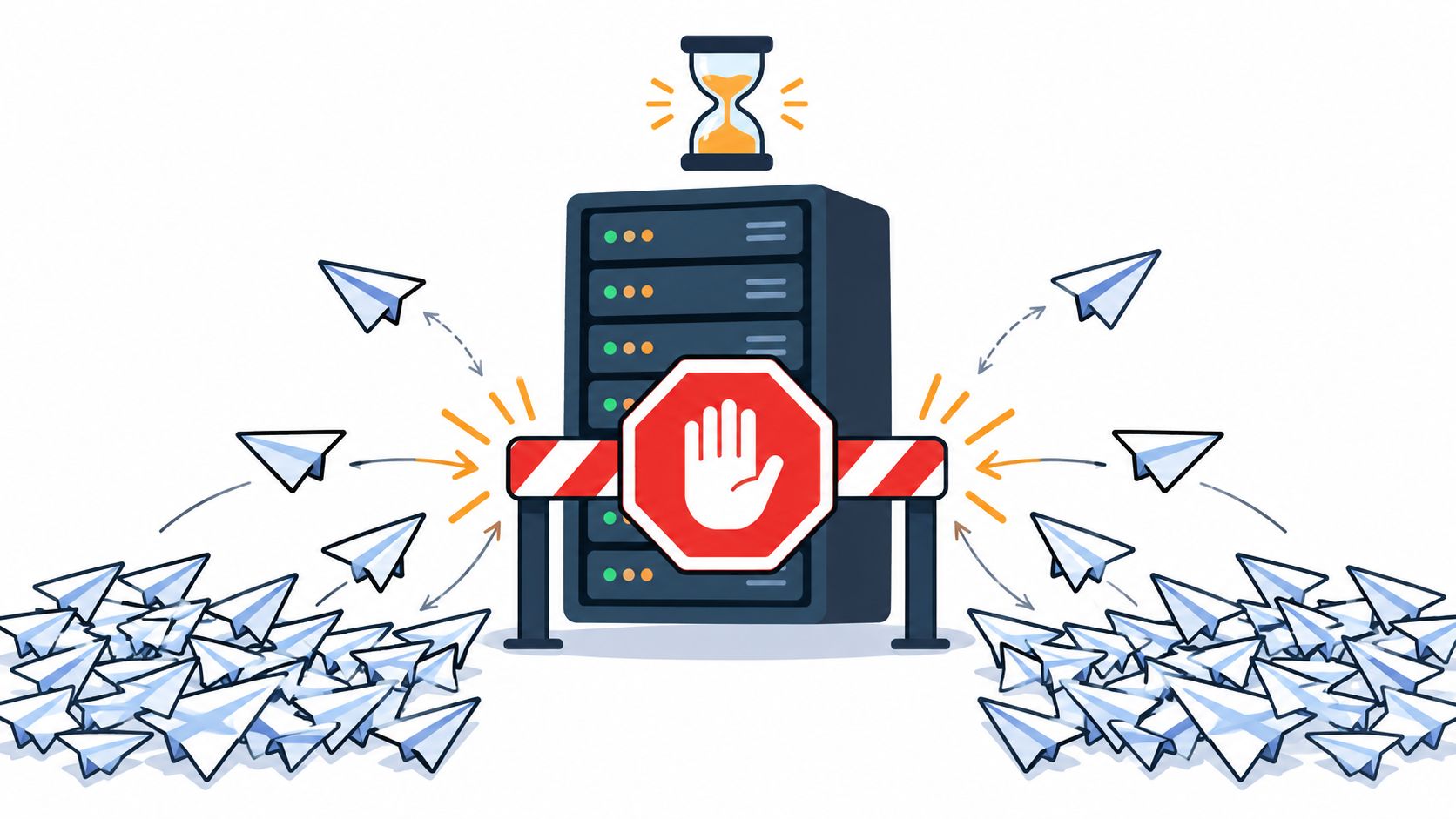
The first sign of trouble is usually a log flood, not a clean explanation. A signup form starts returning HTTP status 429, a login queue backs up after a password-stuffing wave, or a retry loop keeps hammering the same endpoint until every client gets throttled. In production, that response means the server has decided the request volume crossed its policy for a given time window, not that the request itself is malformed.
That distinction matters. 429 Too Many Requests is best read as one enforcement outcome inside a broader abuse-control policy, not as proof of malicious intent or a substitute for authentication, authorization, or transaction checks. For teams protecting sign-ins, account recovery, checkout, reservations, and promotion redemption, the question is whether the policy is aimed at the right action, the right identity, and the right retry behavior.
What HTTP Status 429 Signals
A 429 response tells you the server has applied an abuse-control or rate-limit policy because the client sent too many requests in a defined period. It does not point to a broken request body, invalid credentials, or a banned user. It tells the client to slow down.
That distinction gets blurry in production. Shared networks, mobile carriers, and noisy automation can all trigger the same response, so 429 works better as policy feedback than as a verdict on intent.
What the code means in practice
MDN describes HTTP status 429, “Too Many Requests,” as the response a server uses when a client has sent too many requests in a given amount of time MDN's 429 reference. The code gives operators a standard way to signal throttling without turning every limit into a hard error.
Browser-facing flows often need that kind of precision. A login endpoint can be strict, a password-reset flow can be stricter, and a low-risk page can stay looser. The status code does not choose those rules, it exposes them.
The same response can also hide false positives if the policy keys are too blunt. An IP-only limit may catch an entire office, a shared carrier, or a browser behind a crowded NAT. Using browser verification alongside rate limits can reduce that spillover, because it helps separate automated bursts from normal user traffic without forcing extra steps on everyone.
Practical rule: treat 429 as a control-plane signal. The server is asking for slower retry behavior, and the operator is seeing that a policy boundary has been crossed.
The Spec Behind the Status Code

A 429 response is one enforcement outcome inside a broader abuse-control policy. The server is telling the client that too many requests arrived within the allowed window, and it may include Retry-After so the client knows when to try again MDN's 429 reference. The signal is about a time-window violation, not a malformed payload or a broken session.
The spec leaves the policy choices open. It does not require one threshold, one counting method, one identity model, or one scope of enforcement. A server can rate limit by IP address, authenticated user, application, resource, or another policy-defined key, which is why two services can both send 429 for very different reasons.
Retry-After is a scheduling hint
RFC 6585 allows a Retry-After header, and the value can be either a delay in seconds or a date after which the client may try again RFC 6585 guidance on 429 and Retry-After. The RFC's example uses Retry-After: 3600, which means 3,600 seconds, or 60 minutes.
That number matters because it removes guesswork. The server is not saying “try again whenever.” It is saying when another attempt is expected to fit the policy.
Clients should treat that value as a scheduling instruction, not as a prompt to repeat the request right away. Ignoring it usually creates more 429 responses and more load. For a broader primer on rate-limit mechanics, understanding rate limits in Openbase is a useful companion reference.
Common Causes of 429 in Production Systems
A 429 response can come from very different traffic patterns, and the protected action determines the risk. On a login endpoint, credential stuffing and password spraying are the usual suspects. On sign-up flows, automated account creation and disposable identities can flood the system with new accounts that look legitimate at first glance.
Checkout and promotion redemption have their own failure modes. Scalper bots can hammer limited-inventory flows, while a promo endpoint can be abused by scripts racing to redeem codes before humans finish reading the page. In those cases, the abuse is not just noisy, it can directly affect inventory, fairness, or margin.
Where the pressure usually shows up
Sign-in: repeated password attempts against the same username can indicate credential stuffing or spraying.
Account creation: scripted form submits can create disposable accounts that pollute analytics and abuse welcome offers.
Account recovery: repeated reset requests can overload support paths or help attackers probe identities.
Checkout: bursty submissions can stress payment and reservation logic, especially if retries are careless.
Reservations and promotion redemption: parallel attempts can capture scarce capacity or consume limited codes before humans can act.
A separate source of pressure is the client itself. Retry storms happen when apps lose a response, assume failure, and immediately try again without pacing. Misconfigured jobs can do the same thing on a schedule, turning a small limit into a constant stream of denials. For engineering teams, the useful question is not just “who got 429,” but “which protected action is being exercised too aggressively, and by whom.”
Choosing the Right Rate-Limit Keys
Single-key rate limiting breaks in predictable ways. OWASP notes that per-IP limits are coarse controls that residential proxy networks can evade, per-session or cookie limits can be bypassed by clearing cookies, and per-authenticated-identity limits are the most reliable option after login OWASP Bot Management and Anti-Automation Cheat Sheet. That is why teams should think in layers, not in a single bucket.
The practical pattern for login is two independent buckets. One is keyed by username or account, so attempts against one target are limited even if the source IP changes. The second is keyed by IP, or IP plus autonomous-system number, so one source cannot sweep many accounts at once. Both buckets must stay below threshold for the request to pass.
Rate-Limit Key Choices and Their Weaknesses
| Key dimension | What it limits | Weakness |
|---|---|---|
| IP address | Requests from one network source | Shared networks and residential proxy networks can blur or evade it |
| Session or cookie | Requests tied to one browser session | Bots can clear cookies or rotate sessions |
| Authenticated identity | Requests from a logged-in account | It starts too late to catch pre-auth abuse |
| Username or account | Attempts against one target account | Needs a second key to catch distributed spraying |
| IP plus ASN | Requests from one source network range | Still imperfect on shared or dynamic networks |
This layered design addresses both password spraying and credential stuffing without assuming one identity key is enough. It also leaves room for browser verification to add evidence about the action's origin without making the user solve a challenge. For a practical overview of how teams think about limits and request pacing, PostPulse's rate limiting guide is a useful reference point.
Retry Patterns Clients Should Follow
A well-behaved client treats 429 as a signal to slow down, not as a reason to spin harder. If the response includes Retry-After, the client should honor it. If it does not, the fallback should be bounded exponential backoff with jitter, so retrying clients don't all wake up at the same moment and create a synchronized burst.
Rate-limit header formats vary by API and specification version. Follow the provider's current documented contract rather than assuming one draft field set is universally supported. Retry-After is optional on a 429 response.
What good retry logic does
A client that sees 429 should do three things in order:
Honor the server's wait hint. If
Retry-Afteris present, use it as the primary schedule.Use backoff when no hint is present. Increase the delay gradually instead of retrying in a tight loop.
Add jitter. Randomization prevents many clients from retrying together at the same instant.
Those headers describe request volume, not whether a browser action is trustworthy. They do not stop replay, they do not detect token theft, and they do not prove that a human is behind the request. For teams building protected actions, rate limiting works best when it sits beside idempotency, state validation, and browser-origin checks.
A good internal standard is to make retry behavior boring. Clients should know when to wait, how long to wait, and when to stop trying. That discipline keeps 429 from turning into a self-inflicted outage.
A Worked Example for a Checkout Flow
Consider a synthetic checkout flow with four different failure modes. A legitimate customer submits a card payment, the request times out, and the browser retries. At the same time, an attacker replays a captured request, a scalper bot fans out many checkout attempts in parallel, and several real buyers on a corporate network share one public IP.
The right controls solve different parts of that mess. 429 helps throttle the bot and the replay storm. An idempotency key tells the application that the customer's retry is the same operation, not a fresh purchase. Replay protection rejects the captured proof before it reaches the business logic. Browser verification adds evidence that the protected action came from an expected browser context.
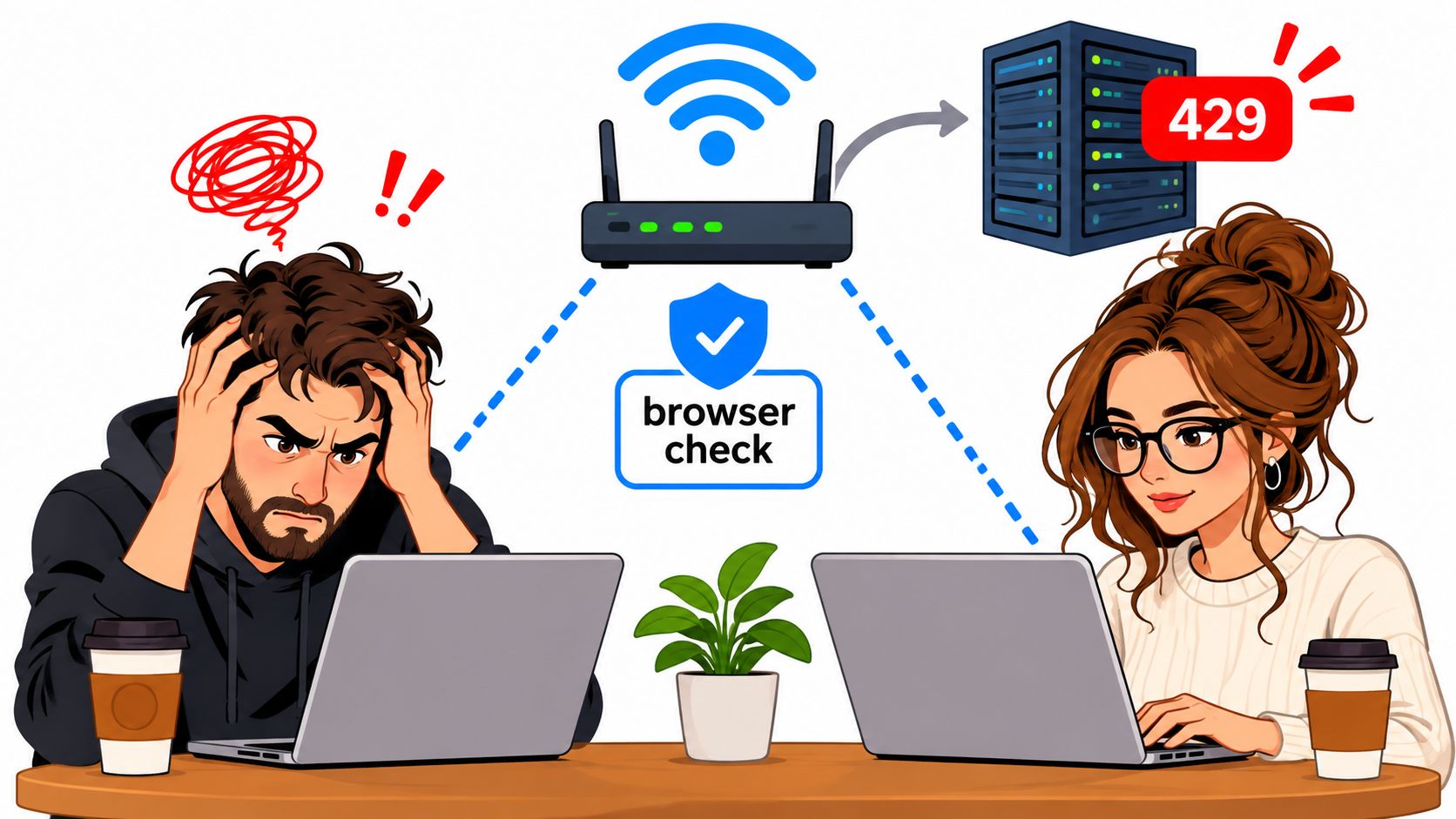
The important part is what none of these controls can do alone. Rate limiting cannot tell a retry from a replay. Idempotency cannot spot a scripted browser that is creating new checkout sessions. Browser verification cannot manage traffic volume by itself.
For a team mapping this to implementation, the checkout example is a good lens. It keeps the question tied to the business action, not to a generic “bad traffic” bucket. For a use-case view, see the checkout workflow on MANDATE's checkout page.
How Browser Verification Reduces False Positives
Coarse IP limits can affect unrelated users behind a shared network. Browser verification adds another signal, but cannot reliably distinguish every automated browser or guarantee fewer false positives. Measure the actual effect on the protected action.
That is the useful complement to throttling. Rate limiting controls volume, and browser verification helps separate ordinary browser activity from scripted abuse without making people solve CAPTCHAs or click through interstitials. In a careful rollout, teams start in Observe mode, review grouped evidence and legitimate-user impact, and then decide whether to enforce on a selected action.
Where the browser signal fits
Apply browser-originated verification to selected browser actions, such as sign-in, recovery, or checkout. RFC 6585 defines 429 and permits Retry-After, but does not prescribe one counting key or enforcement algorithm.
Verification adds browser-context evidence; throttling limits volume. Test legitimate-user outcomes before claiming a reduction in false positives. Neither control replaces idempotency, authorization, or transaction validation.
For a deeper look at how browser proof needs current server state, MANDATE's research note on server-side checks is the right companion read.
Implementation Checklist and Limits to Respect
429 is useful, but it doesn't prove intent. It does not authenticate the user, it does not prevent replay on its own, and it does not replace authorization or transaction validation. That is why the implementation checklist has to be broader than “turn on rate limiting and move on.”
A practical rollout starts with one named protected action. Then it adds layered keys, clear retry signaling, and a way to watch legitimate-user impact before enforcement goes live. For high-value browser actions, browser verification should sit beside throttling, not behind it.
A checklist teams can apply
Name the action clearly. Pick one protected action, such as login, checkout, or promotion redemption, and define its policy in plain language.
Use layered keys. Combine identity-based and source-based buckets so one weakness does not become the only control.
Send retry guidance. Include
Retry-Afterwhen the server can provide a wait time, and add standardized rate-limit headers where supported.Add idempotency. Make retries safe for the operation so a duplicate request does not become a duplicate side effect.
Observe before enforcing. Review legitimate-user impact and grouped abuse evidence before turning policy on.
Pair throttling with browser verification. Use it for actions where scripted browser abuse is a real risk and friction needs to stay low.
A useful internal reference for the limiter side is MANDATE's token bucket algorithm note, which helps frame how burst control differs from blanket rejection. The larger rule is simple: no single control guarantees safety.
Before enforcement goes live, teams should answer three questions. Which action, which identity, and which window. If any of those are fuzzy, the policy is probably too broad.
MANDATE protects high-value browser actions from replay, token theft, and scripted abuse without CAPTCHAs, and it fits naturally beside rate limiting when teams need a quieter user experience. For signups, logins, checkout, and other sensitive flows, it gives security and backend teams a way to verify browser-origin activity without adding puzzles or friction. Visit MANDATE to review how that approach maps to your own protected actions.